Mounting a TV to the wall looks simple in a YouTube video. And often it is. But in San Diego homes, particularly older construction and homes with stucco or lath-and-plaster interior walls, there are a few complications that catch people off guard. Here’s what to know before you start drilling.
Understanding what’s behind your walls
In most post-1980 San Diego construction, interior walls are standard drywall over wood studs at 16-inch centers. A standard stud finder and the right lag bolts handle this without issue.
Older San Diego homes are different. Construction from the 1940s through 1970s often used:
Lath and plaster, thin horizontal wood strips nailed to studs, covered with multiple layers of plaster. Much harder and denser than drywall. Requires a masonry bit for pilot holes and different anchoring strategies. Standard drywall toggle bolts may not grip the same way.
Stucco on metal or wood lath, common on homes in Craftsman, Spanish Revival, and early Ranch styles. Stucco walls are rock-hard and require a hammer drill for anchor holes. A standard drill with a wood bit will skate on the surface.
Irregular stud spacing, in older framing, studs aren’t always exactly 16 or 24 inches apart. Measure and probe before committing to mount placement.
The surest way to know what you have: drill a small test hole (1/4 inch) in an inconspicuous spot and see what you encounter. Plaster feels grainy and crumbles. Drywall punches through cleanly with soft paper facing.
Choosing the right mount
Mount type should match your viewing habits and room layout.
Fixed (flat) mount keeps the TV close to the wall. It suits a room viewed from one main position, but its exact depth and clearances come from the mount manufacturer.
Tilting mount can aim the screen downward when it must sit above the viewer. Check the model’s listed tilt range, weight capacity, and cable clearance.
Full-motion (articulating) mount extends and pivots for corners or several viewing positions. The installer must follow the mount manufacturer’s fastening requirements for the verified wall assembly and television.
Tip: For TVs 55 inches and larger, always anchor into at least two studs. Toggle bolt-only installs on large TVs eventually loosen over time, especially with articulating mounts that put extra pull on the anchors when extended.
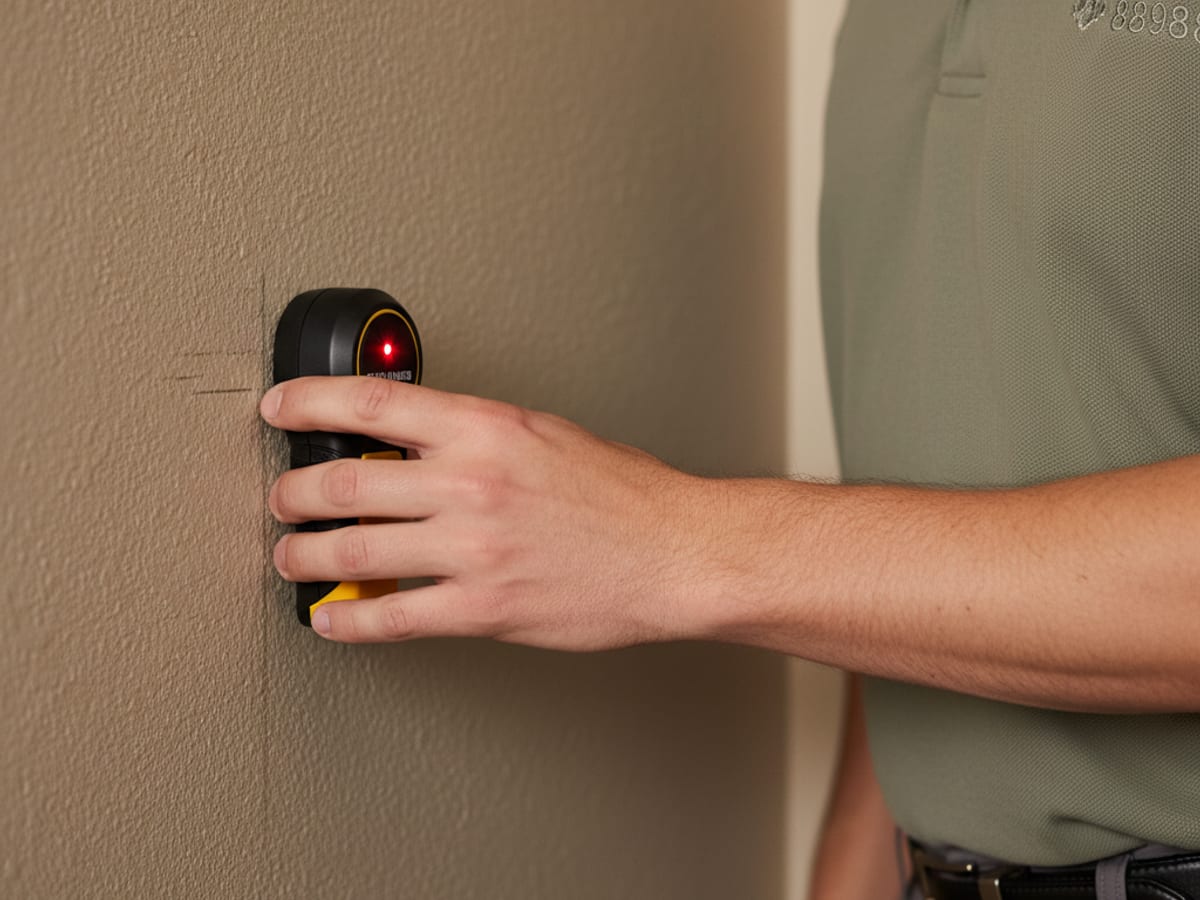
Stud location in stucco interior walls
Stucco and plaster walls make stud finders less reliable. The density of the wall surface interferes with the magnetic or capacitance sensors that standard finders rely on.
Strategies that work better in older San Diego homes:
Rare-earth magnet method, drywall screws will be in the studs. Slide a strong magnet slowly across the wall until it sticks. Mark the spot, measure 16 inches in either direction, and look for the next one. This works even through plaster.
Sounding, tap across the wall with your knuckle. Over a stud, the sound changes from hollow to solid. Takes practice, but in lath-and-plaster it’s more reliable than an electronic finder.
Probe test, drill a small exploratory hole at about 16 inches from a corner and probe with a bent wire or a long drill bit to feel for solid wood.
Cable management options
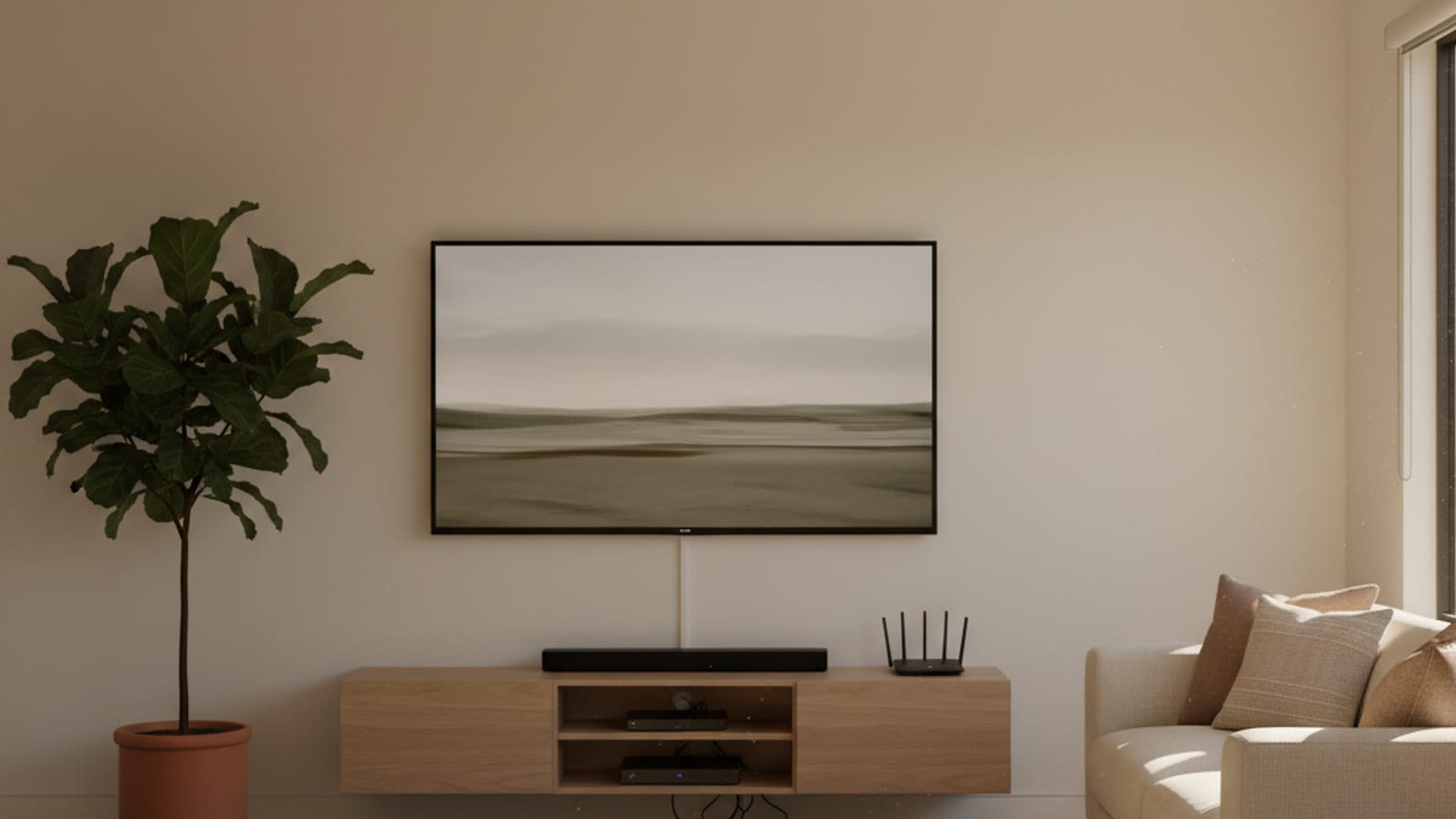
This is where most DIY TV mounts end up looking unfinished, a beautiful TV floating on the wall with a bundle of cables dangling below.
Cable management systems may use a listed in-wall system or a surface raceway. Keep ordinary device power cords out of a wall unless the product and installation are specifically listed for that use, and have a qualified electrician assess outlet or wiring changes.
On-wall cable raceways, paintable plastic channels that run cables down the wall and paint to match. Not as clean as in-wall, but viable for stucco walls where cutting isn’t practical. Paint them the wall color and they become much less visible.
Power bridge (recessed outlet), a dedicated recessed outlet behind the TV with a low-voltage kit below for signal cables. A listed recessed-outlet kit is the usual way to put power behind the TV. Hidden ordinary extension cords are not a listed method. A licensed electrician should handle the electrical portion.
TV size and weight limits
Every wall mount has a rated weight capacity. Check it against your TV’s spec sheet and the mount manufacturer’s listed rating before buying. Do not treat a screen-size guess as the rating.
If you’re mounting in a rental or a home you might sell, check your CC&Rs or HOA rules. Some communities require professionally installed mounts for large TVs.
Weight capacity is only half the equation. For where on the wall to put it, see the TV mounting height guide for eye-level planning by screen size.
The same stud-finding and anchoring skills apply to shelving, so if you’re hanging floating shelves nearby, the floating shelf installation guide shows what actually holds weight on San Diego walls.
TV mounting including stucco walls, cable management, and full-motion mounts is a common request for independent local pros. If the wall has you second-guessing, call (858) 400-4611 and we’ll match you with a pro who can assess the wall type and quote the job.
Would you rather hand this one to a pro than do it yourself? Call (858) 400-4611.
Request a quote